
Hot Selling New 2026 Fantastic Save Up RM100
HAPPY NEW YEAR 2026 Extend Up to 12M Warranty
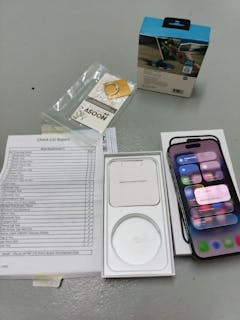
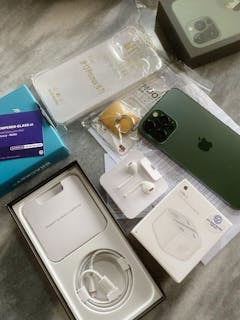
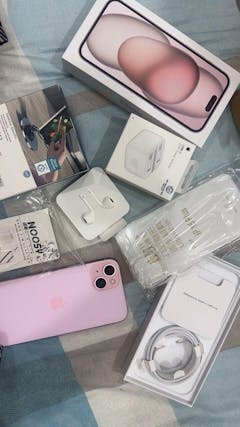
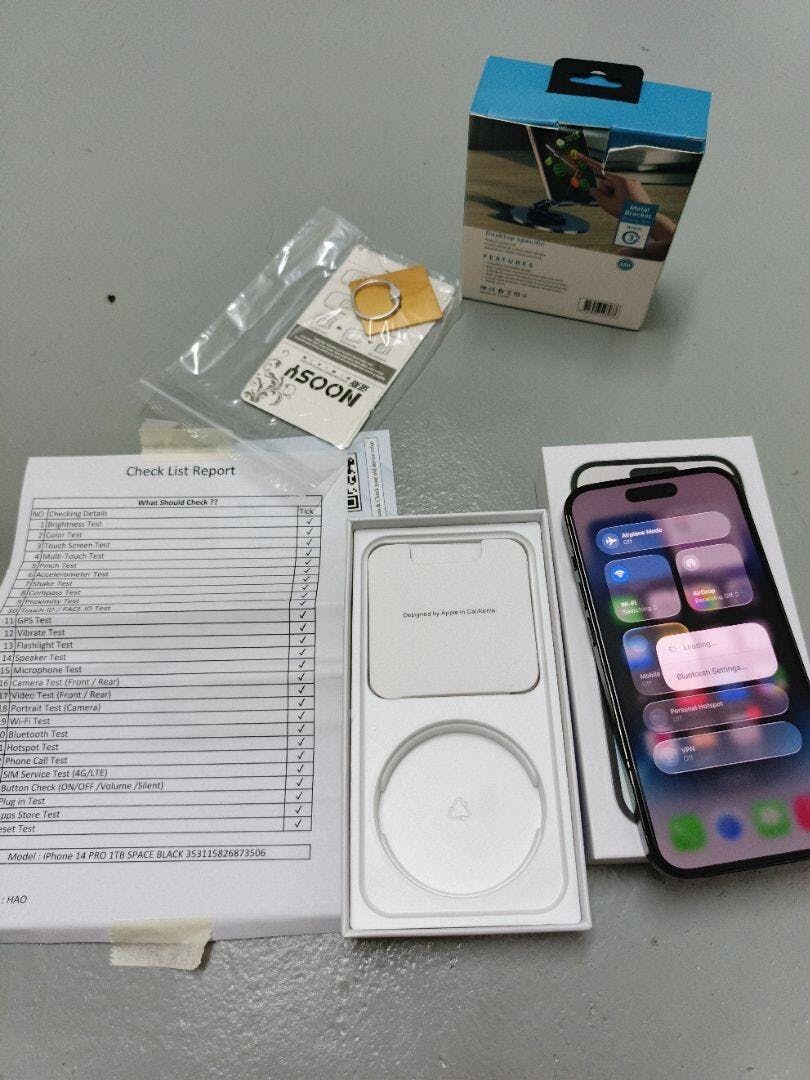
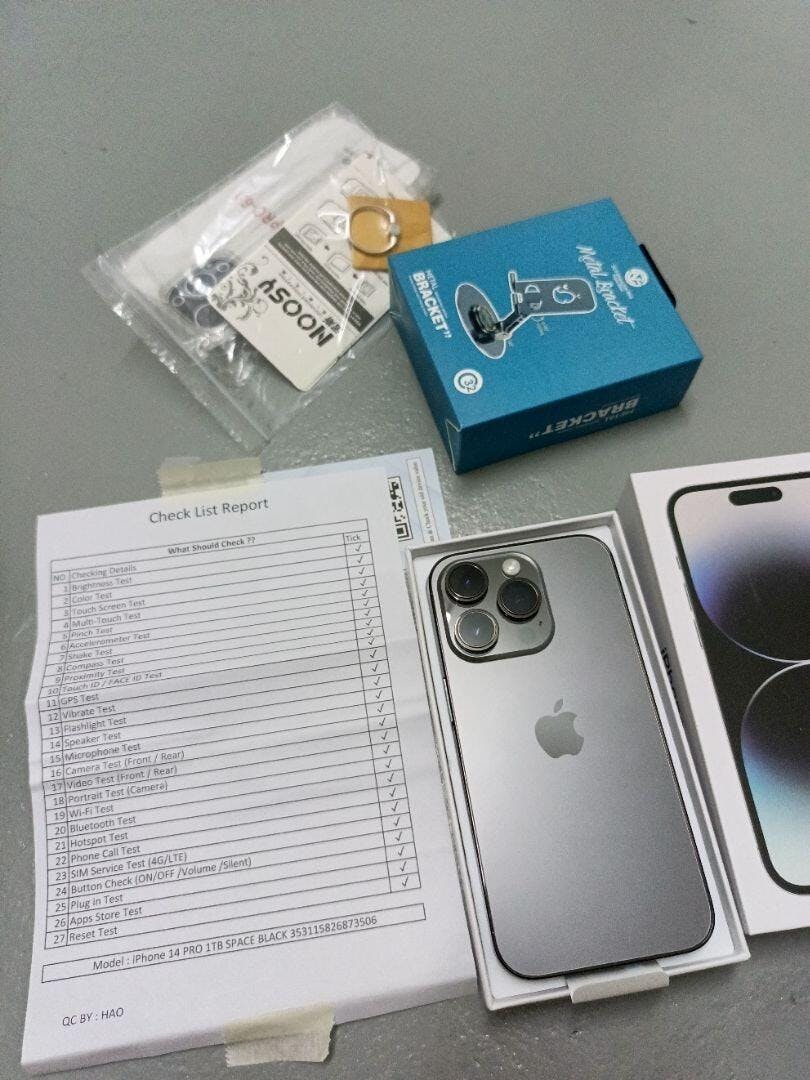
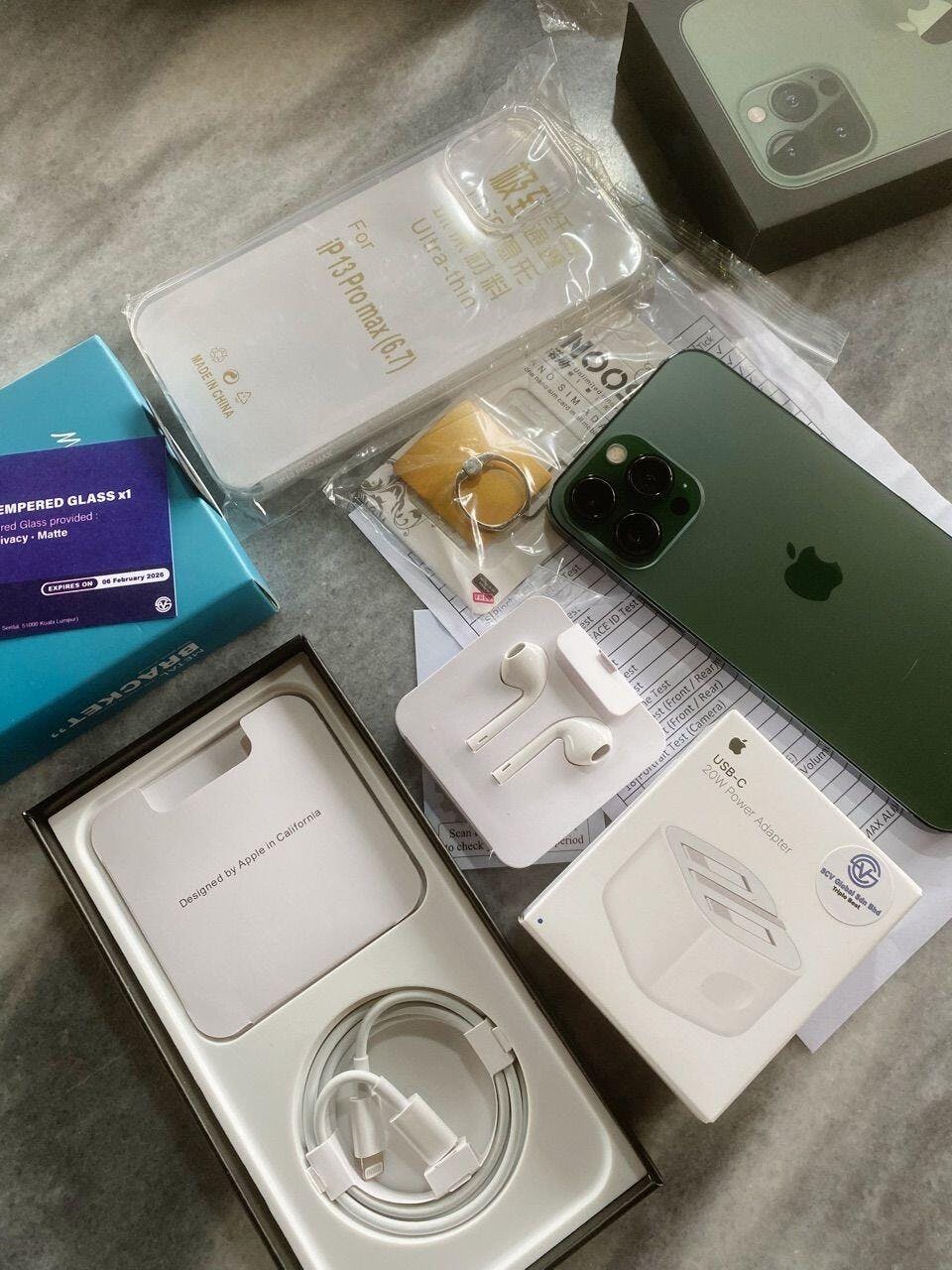
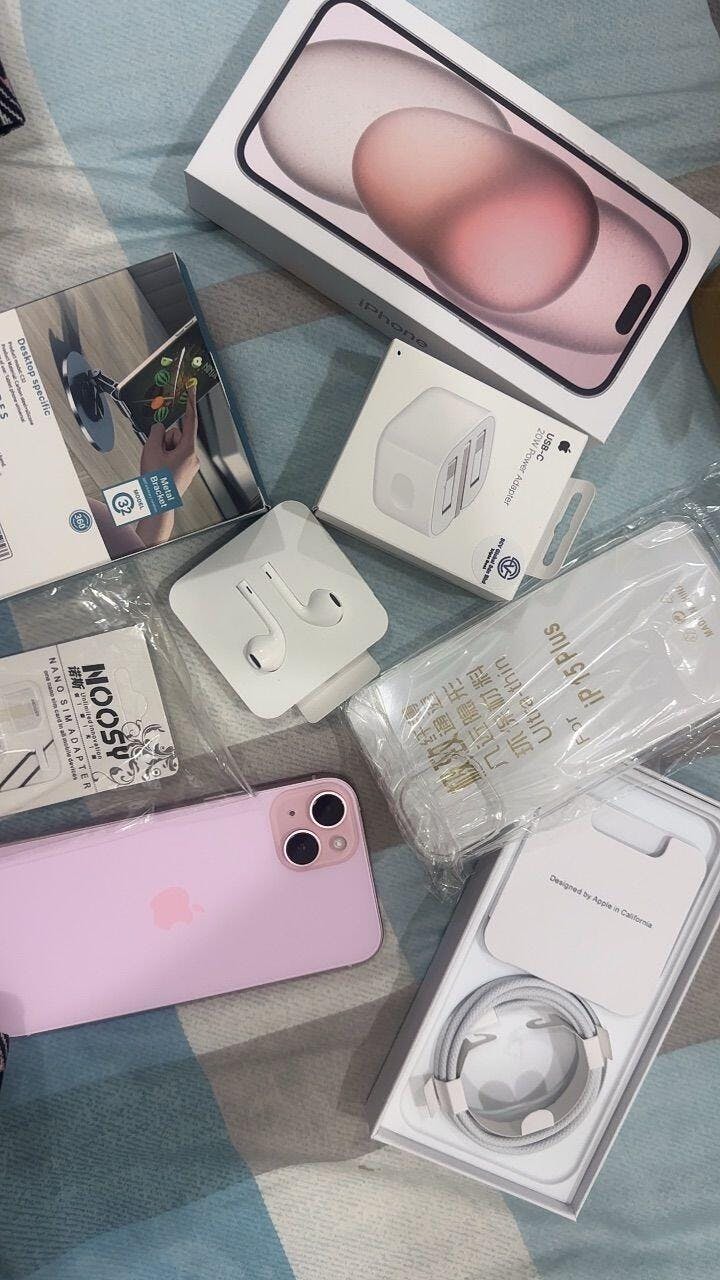
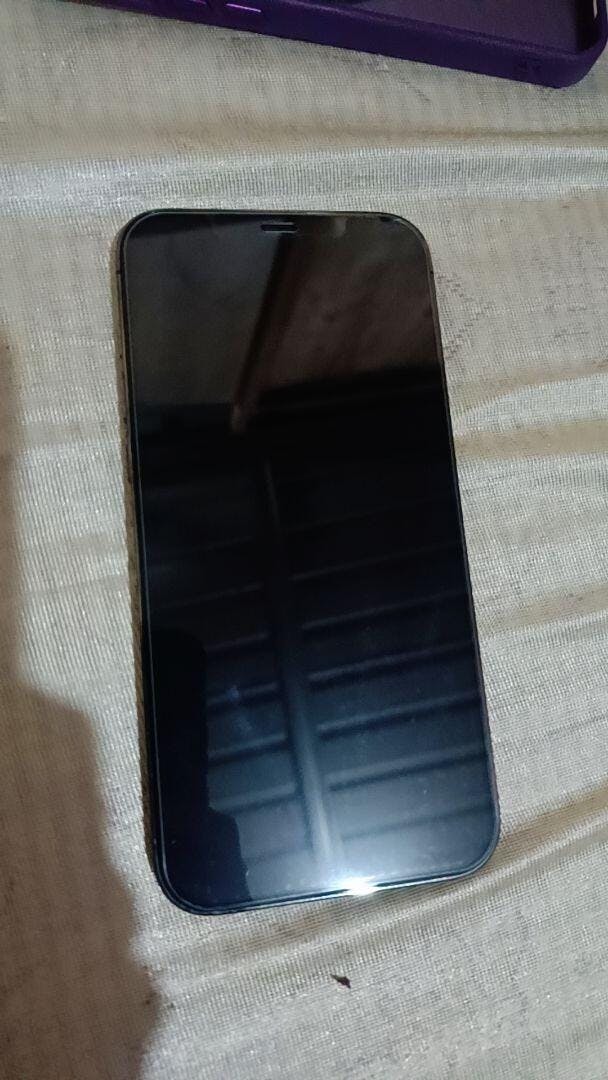
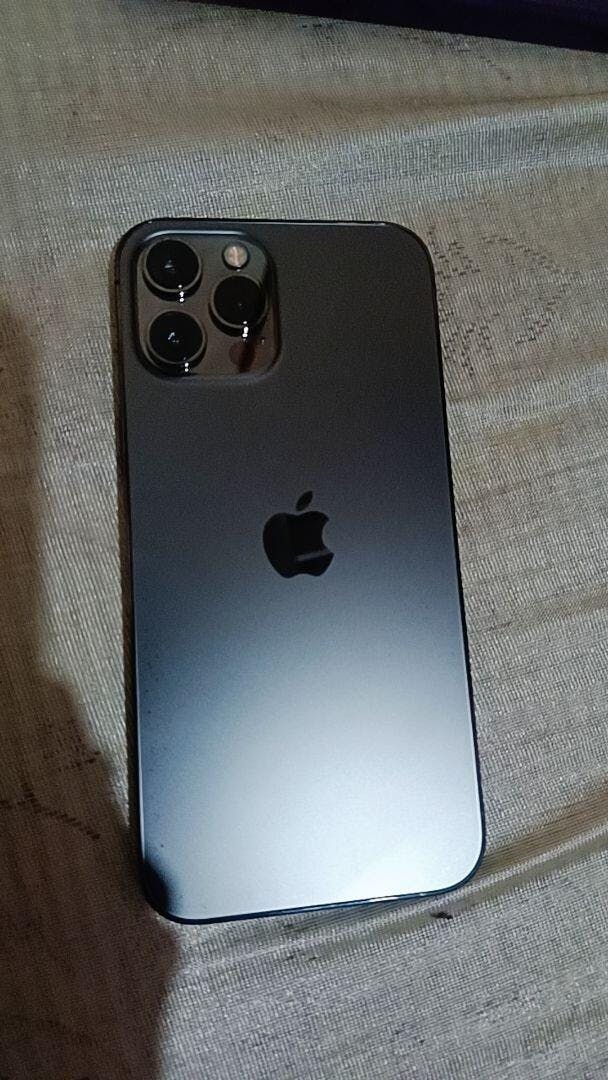
Choosing a right device are most important Pre-owned iPhone Premium Condition With 30+ Function Test & Check
iPhone Repair SCV REPAIR Experience Hassle-Free and Convenient Mobile Repair Solutions You Can Trust
Apply Now with Credit Card Or Ewallet Paylater Installment PayFlex Up to 36 Months Installment or Cashback Up To RM300

Our customers say

Excellent

Rated 4.8 out of 5 based on 113 reviews on

Free Shipping Over RM299
Up To 12 Months Warranty
Premium Quality
Apple ID / iCloud Account – Complete Registration Guide & Q&A An Apple ID is the core account required to use an iPhone or iPad properly.It gives you access to iCloud backup, App Store, Find My iPhone, iMessage, FaceTime, and more. Whether you are using a new or pre-owned iPhone, this guide explains how to register an Apple ID safely, plus answers common questions many users ask. What Is an Apple ID? An Apple ID is a personal account provided by Apple that connects you to all Apple services. ⚠️ One Apple ID should belong to one user only.Never share or reuse someone else’s Apple ID. How to Register an Apple ID / iCloud Account Method 1: Register Directly on iPhone (Recommended) This is the easiest and safest way. Step 1: Open Settings Go to Settings → tap Sign in to your iPhone. Step 2: Create a New Apple ID Tap Don’t have an Apple ID or forgot it?Select Create Apple ID. Step 3: Enter Basic Information Fill in: Full name Date of birth Step 4: Choose Email Address (Important) You can: Use your own email, or Create a free @icloud.com email 🔔 Strong recommendation:Use a Gmail, Outlook, or Yahoo email address. Why this is important: Easier to recover Apple ID if you forget your password More secure and reliable Faster verification process Avoid temporary, work-only, or rarely-used emails. Step 5: Create Apple ID Password (Very Important) Your Apple ID password must meet Apple security rules: ✅ Must include: At least 1 uppercase letter (A–Z) At least 1 lowercase letter (a–z) At least 1 digit (0–9) ❌ Cannot contain: Your name Your email address Your phone number Simple or common words ⚠️ Please remember your Apple ID password.If forgotten, it may cause serious access issues later. Step 6: Verify Phone Number Apple will send a verification code via SMS.Enter the code to continue. Step 7: Complete Security Setup Enable: Two-factor authentication Face ID / Touch ID Step 8: Verify Email in iCloud Settings After Apple ID creation: Go to Settings Tap your Apple ID name (top of the page) Tap iCloud Check for email verification Open your email inbox and verify your Apple ID email ⚠️ Without email verification: App Store may not work correctly Account recovery may fail later Step 9: Open App Store & Download Any App Next: Open App Store Try downloading any free app You will be prompted to Review Apple ID Tap Review to continue. Step 10: Complete Payment & Address Information During Apple ID Review, you will need to fill in: Payment Method You can choose None (recommended if you don’t want to add card) Billing Address Country Address Phone number 📌 Even if you choose Payment: None, the address is still required. Final Status: Apple ID Fully Completed ✅ Once you: Verify your email Review Apple ID in App Store Complete payment & address info Your Apple ID will be: ✅ Fully activated ✅ Able to download apps ✅ Ready for iCloud backup ✅ Ready for long-term use Important Reminder If this step is skipped: App downloads may fail Apple ID may show errors Future password recovery may be difficult 👉 Always complete email verification + App Store review after registering Apple ID. Method 2: Register Apple ID Using Computer or Android If you don’t have access to an iPhone yet: Visit appleid.apple.com Click Create Your Apple ID Enter:   Name Country / region Email address (Gmail / Outlook / Yahoo recommended) Strong password (follow rules above) Verify email and phone number Sign in later on your iPhone via Settings Why Apple ID Is Important With an Apple ID, you can: ☁️ Backup photos, contacts, WhatsApp 🛒 Download apps from App Store 📍 Use Find My iPhone 💬 iMessage & FaceTime 🔄 Sync data across Apple devices Without an Apple ID, many iPhone features will not work properly. Apple ID / iCloud Account – Frequently Asked Questions (Q&A) Q1: Can one Apple ID sign in on multiple devices? Yes. One Apple ID can be signed in on multiple Apple devices (iPhone, iPad, Mac).This allows iCloud data to sync across devices. ⚠️ Not recommended to share one Apple ID between different users. Q2: What email is best for registering an Apple ID? Gmail, Outlook, or Yahoo (Highly Recommended) These emails make it: Easier to recover Apple ID Safer if you forget your password More reliable for security verification Q3: Is the Apple ID password really that important? Yes — extremely important. If you forget your Apple ID password: You may not be able to download apps Your device may be locked Even if the phone is erased or reset, Apple ID is still required This is due to Activation Lock, a security system designed to protect users. Q4: What happens if I forget my Apple ID and password? You must recover it using the registered email or phone number Without recovery, the device may remain Activation Locked There is no official way to bypass this lock Q5: Can Apple ID be removed or bypassed? No. Only the original Apple ID owner can remove it.Always ensure Apple ID is signed out before selling or buying a device. Important Reminder for All Users Always create your own Apple ID Use a recoverable email (Gmail / Outlook / Yahoo) Create a strong password and remember it Never use someone else’s Apple ID 🔐 Your Apple ID is the key to your iPhone.Losing it may mean losing access to your device.
Does Your “Find My iPhone” Setup Correctly? Many iPhone users think Find My iPhone is already turned on —but in reality, it’s not fully set up. This small mistake can cause big problems: iPhone cannot be located if lost Device cannot be erased remotely Trade-in or resale may fail Repair process may be blocked Let’s check it properly — step by step. 🔍 Why “Find My iPhone” Matters (Very Important) Find My iPhone is not just for finding your phone. It controls: 🔒 Activation Lock 🧾 Ownership verification 🔁 Trade-in eligibility 🛠 Repair & reset permission If this setup is incomplete, your iPhone may be: Locked to an Apple ID Impossible to reset Rejected during trade-in Delayed during repair ✅ How to Check If Your “Find My iPhone” Is Set Up Correctly Follow all 4 checks below — not just one. 1️⃣ Check “Find My iPhone” Status Go to:Settings → [Your Name] → Find My → Find My iPhone Make sure: ✅ Find My iPhone = ON ✅ Find My network = ON ✅ Send Last Location = ON ⚠️ If only one is ON, it’s NOT fully protected. 2️⃣ Check Apple ID Is Logged In Properly Go to:Settings → [Your Name] Confirm: Your name & email are shown No “Sign in to iPhone” warning No verification pending An unverified Apple ID may cause activation issues later. 3️⃣ Test Location Permission Go to:Settings → Privacy & Security → Location Services Make sure: Location Services = ON Find My = While Using / Always If location is OFF, Find My will not work properly, even if enabled. 4️⃣ Turn It OFF (Test Mode – Optional but Recommended) Before selling, trading-in, or repairing: Go to:Settings → [Your Name] → Find My → Find My iPhone → OFF If the phone asks for: Apple ID password → ✅ Normal Cannot turn off / stuck → ❌ Problem detected This is the most important test for trade-in & resale. 🚨 Common Mistakes We See (Very Common) ❌ “I reset already, so it’s fine”→ Wrong. Activation Lock may still exist. ❌ “I forgot my Apple ID password”→ Trade-in & resale will be blocked. ❌ “It shows ON, so no problem”→ Location / network permission may be OFF. 💡 Before Trade-In / Repair / Sell — Do This First Always confirm: Find My iPhone can be turned OFF Apple ID password is known No Activation Lock remains This saves: Time Repair delays Rejected trade-in cases 🧠 SCV Learn+ Tip Many customers only discover Find My issuesafter they come for trade-in or repair. Checking it early avoids: Rejected valuation Repair delays Ownership disputes 👉 Need Help Checking? If you’re unsure whether your iPhone is: Ready for trade-in Safe to sell Clear for repair You can use: SCV AI Assistant Warranty / Trade-In Check Or visit any SCV Global outlet 🔚 Summary (Quick Check) ✔ Find My iPhone = ON✔ Location permission = ON✔ Apple ID verified✔ Can be turned OFF when needed If all ✔ — your iPhone is properly set up.
How to Check a Pre-Owned iPhone Simple & Advanced Steps to Ensure Your iPhone Is Fully Functional Buying a pre-owned iPhone can be a smart choice — but only if you know how to check whether the device is truly problem-free. This guide will walk you through simple and advanced steps to inspect a second-hand iPhone, helping you avoid hidden issues such as hardware damage, main-board failure, or iCloud lock problems. ✅ Simple Check – 11 Key Functions (Recommended for All Users) These basic checks are suitable for everyday users and can be completed in just a few minutes. 1. Condition & Button Check     Inspect the physical condition of the phone.Make sure Power, Volume, and Silent buttons respond properly. 2. Battery Health Check Go to Settings > Battery > Battery Health & ChargingA healthy battery should generally be above 80%. 3. Touch Screen Test Test By Note App / Assistive Touch  Swipe across the entire screen and make sure every area responds accurately. 4. Camera / Video / Microphone Test Test By Camera App Take photos (front & rear) Record a video Record a voice memo to ensure the microphone works clearly 5. Speaker / Sound Test Test By Voice Memos App Play music or a video to confirm both speakers are loud and clear. 6. Flashlight Test Test On Control Centre  Turn on the flashlight and check brightness consistency. 7. SIM Service Test Insert a SIM card and confirm signal, calls, and mobile data work. 8. Charging Port Test Plug in a cable to ensure stable charging with no loose connection. 9. iCloud / Apple ID Check Go to SettingsMake sure the phone is signed out of iCloud and not locked to a previous owner. 10. Parts & Service History Go to Settings > General > About > Parts & Service HistoryCheck whether any parts are listed as Unknown. Note : If didn't show anything here that's mean maybe will not replace anything before 11. Main-Board Check (Panic Full) Go to:Settings > Privacy & Security > Analytics & Improvements > Analytics Data Search for “Panic Full” ⚠️ What Is “Panic Full”? If you find Panic Full logs in the Analytics Data, it usually means: Main-board issue Water damage Critical internal hardware failure These problems may cause the iPhone to: Restart automatically Shut down unexpectedly Become unstable over time ⚠️ Devices with Panic Full records are NOT recommended for long-term use. 🔍 Advanced Check – 31 Detailed Tests (For Professional or Serious Buyers) For users who want a full diagnostic, these advanced checks provide deeper assurance. Display & Sensor Tests Brightness Test Color Test Touch Screen Test Multi-Touch / Pinch Test Proximity Sensor Test Motion & Hardware Sensors Accelerometer Test Shake Test Compass Test Vibrate Test Biometric & Camera Face ID Test Camera Test (Front & Rear) Video Recording Test Portrait Mode Test Connectivity Wi-Fi Test Bluetooth Test Hotspot Test GPS Test Audio & Communication Speaker Test Microphone Test Phone Call Test (5G / 4G / LTE) Buttons & Ports Power / Volume / Silent Button Test Charging Port Test System & Account App Store Login Test (via App Store) Reset Test iCloud / Apple ID Check Parts & Service History Review SIM Configuration Single SIM Dual SIM eSIM / Dual eSIM Main-Board Check (Again) Repeat the Panic Full inspection to ensure system stability. 📲 Recommended Tool for Advanced Checking For a more convenient and guided process, you may download “Test & Check for iPhone” from the App Store.This app helps automate many of the advanced hardware and sensor tests listed above. ✅ Final Tip A properly checked pre-owned iPhone should: Have no Panic Full records Be free from iCloud lock Show no Unknown parts (or clearly disclosed replacements) Pass both basic and advanced functional tests Taking the time to check these details can save you from costly repairs and long-term frustration.

Featured Videos

Tiktok Creator


More Feedbacks

We always care about your purchase experience

Premium Quality Device

We ensure that the product quality meets our basic standard before selling.

Professional Technician

Our iPhone repair technician team provide the most efficient repair experience.

10+ Years Experience

Our team highly skilled in repairing and communicating about iOS devices.

Reasonable Price

Even though our price not the lowest but we guarantee for the premium quality.

Best After-Sales

We are here to help with any question you have about using iPhone.

Walk-In Service

A1-18, SHOP LOT PUNCAK, SENTUL POINT, JALAN SENTUL PASAR, SENTUL, 51000, KUALA LUMPUR

iPhone Repair Service

Is Your Old iPhone Experiencing An Issue? We have Specialist Technician Team Help You To Resolve It.

Trade-In Service

"Out With The Old, In With The New."
We Accept Trade-In For Model iPhone XS & Above.
Be careful, we found out somebody copy our products listing & also take a photo from our review to made customer trust with them , please always double check shop name before place an order    1. Copy Our Products On Shopee      2. Take a photo from our review to made customer trust with them (Photo screen shot from user)   3. Copy our product & name on LAZADA 4. Scammer deal a pre-owned iPhone with victim & order box with us to send to victim (Photo screen shot from victim) 5. Using our company name as QR Pay  From the victim's intelligence Scammers have been known to impersonate Scv Global team members and contact customers to request payments via QR codes. Please be aware that we have only one official support channel, and we will never randomly send QR Pay requests for payments. If anyone contacts you claiming to be from Scv Global and requests payment via a QR code, please verify with our official support first to avoid potential fraud. We will not responsible for cheated guests  If you not sure , does it's real or not  Please feel free to contact us to check before place an order  The Information are share by our customer  Thanks for all customer notice & please stay be careful    To Clarify  We only have 1 account Partner E-commerce : Shopee , Lazada , Carousell  Social Media : Facebook , Instagram , Tiktok , Youtube  Payment Bank Account With Our Company Name : Scv Global Sdn Bhd  Note : We didn't use other than our company account to request payment , please double check a quotation with our official support before process payment , we are not randomly provide a QR Pay on personal chat for payment.   Partner E-commerce  Shopee    Shopee Name : Scv Global Sdn Bhd  User : Scvshop  Visit >>   Lazada    Lazada Shop Name : Scv Global Malaysia Visit >>   Carousell  Shop Name : Scv Global Sdn Bhd  User : Scvglobal Visit >>   Tiktok Shop User : Scv Global Malaysia Visit >>    Social Media  Facebook : https://www.facebook.com/ScvGlobal2014 Instagram : https://instagram.com/scvglobal2014 Tiktok : https://www.tiktok.com/@scvglobal Youtube : https://www.youtube.com/@scvglobal   More about us - Visit : https://linktr.ee/Scvglobal   
Why We Created ScvPoint Making Waiting Time More Than Just Waiting In today’s world,our phones carry almost everything about our lives. Contacts, photos, work files,banking apps, messages, memories —data is no longer just information, it’s part of who we are. That’s why when a phone needs repair,or when data has to be transferred,the process often takes time. And for customers,there is usually only one thing to do —wait. Waiting Is the Most Overlooked Cost We often see the same scene in our store. People sitting quietly, scrolling, checking the time.Some feel uneasy.Some keep asking, “Is it ready yet?”Others want to step out, but don’t dare to —afraid they might miss something. It’s not impatience.It’s uncertainty. And every time we see this,we can’t help but think:there must be a better way. What Is ScvPoint? ScvPoint is not just a points system. It is a benefits system we createdto rethink the waiting time during phone repairsand data transfers. While your phone is being repaired,or while your data is being transferred,you don’t need to stay in the store and wait idly. With ScvPoint,you can enjoy benefits from our partner merchants —grab a meal, have a drink,or enjoy other lifestyle services. What was once just waitingbecomes time you can actually use. Why This Matters to Us Phone repair is already stressful enough. Will my data be safe?Will the phone work properly after this?How long will it take? If, on top of that,customers also feel that their time is being wasted,then the experience is incomplete. We want our customers to feelcalm, taken care of, and reassured,even while they wait. Not a Gimmick, but a Choice ScvPoint was never meant to be a gimmick.It was never designed to push spendingor force unnecessary upgrades. We deliberately chose not to make it that way. Instead, ScvPoint gives you choice. You can stay and wait if you prefer.Or you can step out, relax, enjoy a meal,and come back when your phone is ready. Different ScvPoint tiers offer different benefits,but the core idea remains the same —your time matters. More Than Buying or Repairing a Phone On Scv Global,we don’t only sells or repairs phones. We want to be a brand that thinks one step further for you. Because buying a phone is more than a transaction.And repairing a phone is more than fixing a device. If, during that process,we can make your experience a little lighter,a little more comfortable,even just through a meal, a drink,or a less stressful waiting time — then it’s something worth doing. Explore ScvPoint & Lifestyle Benefits If you’d like to learn more about how ScvPoint worksand what benefits are available, you can explore here: 👉 ScvPoint Centrehttps://scvglobal.com.my/pages/scvpoint-centre To see the dining, beverages, and lifestyle servicesyou can enjoy during your waiting time: 👉 The Lifestyle Servicehttps://scvglobal.com.my/collections/the-lifestyle-service 👉How to Earn Scv Point  Purchase on Scv Global  For Retail & E-Commerce , Claim Form : https://scvglobal.com.my/pages/scvpoint-claim-page For Campaign or Event Free Earn ScvPoint - Follow our social media for latest update  ScvPointis more than points. It’s our response to the way people live today,and our belief thattechnology services should feel more human.
Introducing Our New Trade‑In & Upgrade Comparison System 🚀 Upgrading your iPhone should be exciting — not confusing. That’s exactly why we built our brand‑new Trade‑In & Upgrade Comparison System: a smarter, faster, and more transparent way to understand your phone’s value and how much you actually need to top up to upgrade. Whether you’re just curious about your current device’s worth or seriously planning your next upgrade, this system was designed to give you clear answers in seconds. 🔍 Check Your Trade‑In Price Instantly No more waiting. No more guessing. With our new system, you can: Select your iPhone model Choose the storage & condition Instantly see an estimated trade‑in value The pricing is based on real market data and our in‑house grading standards, so you get a realistic and honest value, not a misleading number. 🔄 Compare & Upgrade — Know Exactly How Much to Add On This is where things get even better. Instead of just showing your trade‑in value, our system lets you compare it directly with an upgrade device. You’ll be able to: Pick the new iPhone model you want See the selling price of that device Automatically calculate how much you need to add on after trade‑in 👉 No mental math. No surprises. Just clear numbers. This makes planning your upgrade simple, transparent, and stress‑free. 💡 Why We Built This System From years of customer feedback, we noticed the same problems: Customers weren’t sure if trade‑in was worth it Upgrade costs felt unclear until the last moment Too much back‑and‑forth just to get a simple answer So we flipped the experience. Now, you’re in control: You see the value You compare the options You decide when to upgrade 🛡 Transparent, Fair & Customer‑First We believe trade‑in should be: Transparent – clear pricing logic Fair – based on actual device condition Efficient – less waiting, more clarity This system is part of our ongoing commitment to make upgrading easier and more trustworthy for everyone. 🚀 Try It Today Whether you’re upgrading now or just exploring your options, our new Trade‑In & Upgrade Comparison System is ready for you. 👉 Check Your Trade-In Value Nowhttps://scvglobal.com.my/pages/trade-in-service Check your phone’s value. Compare your upgrade. Know exactly how much to add on. Smarter upgrades start here. — SCV Global Team
divider

Phone : (+60) 12-798 0605

Address : A1-18, Shop Lot Puncak, Sentul Point, Jln Sentul Pasar, Sentul, 51000 Kuala Lumpur, Wilayah Persekutuan Kuala Lumpur

E-mail : support@scvglobal.com.my