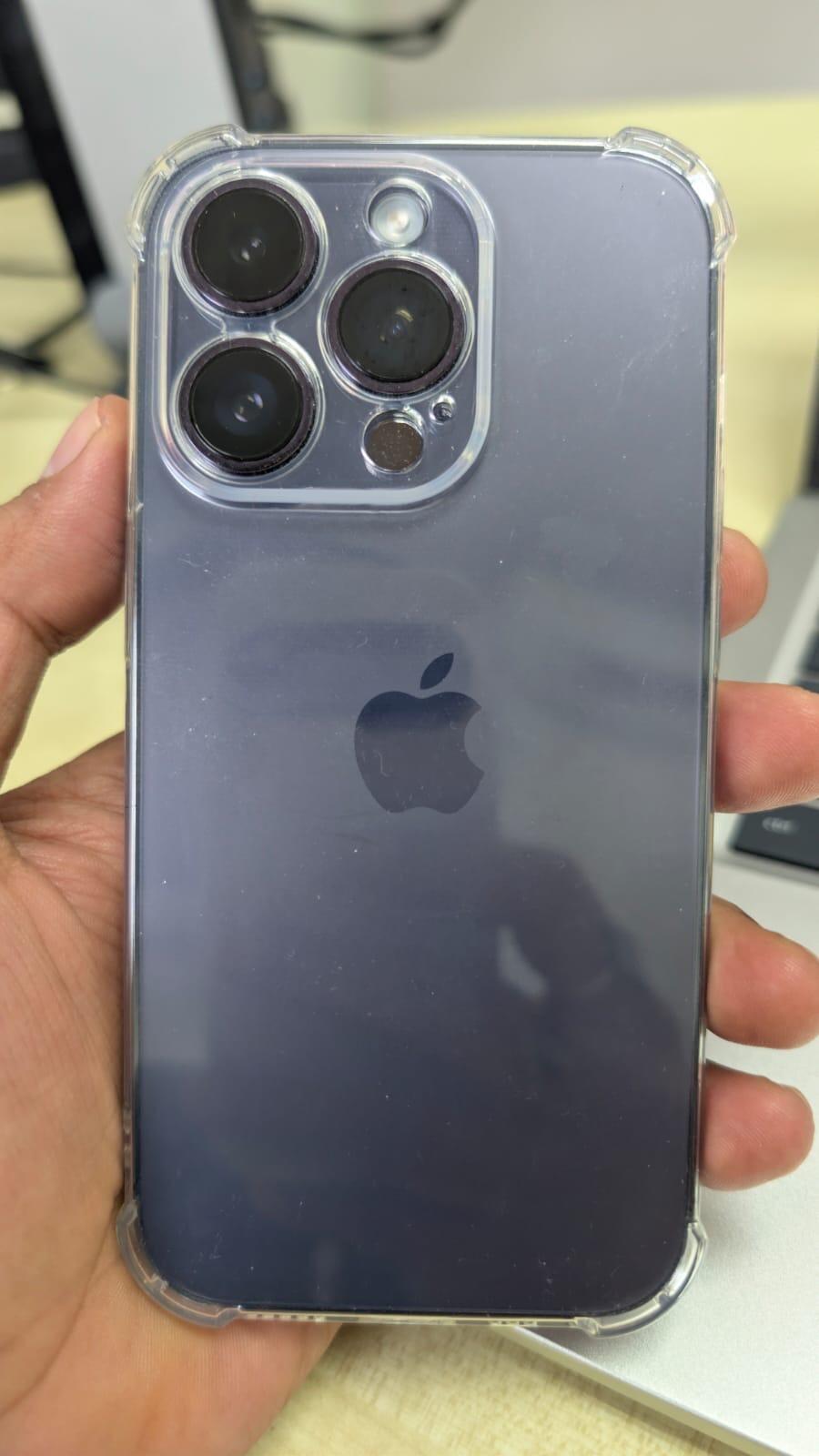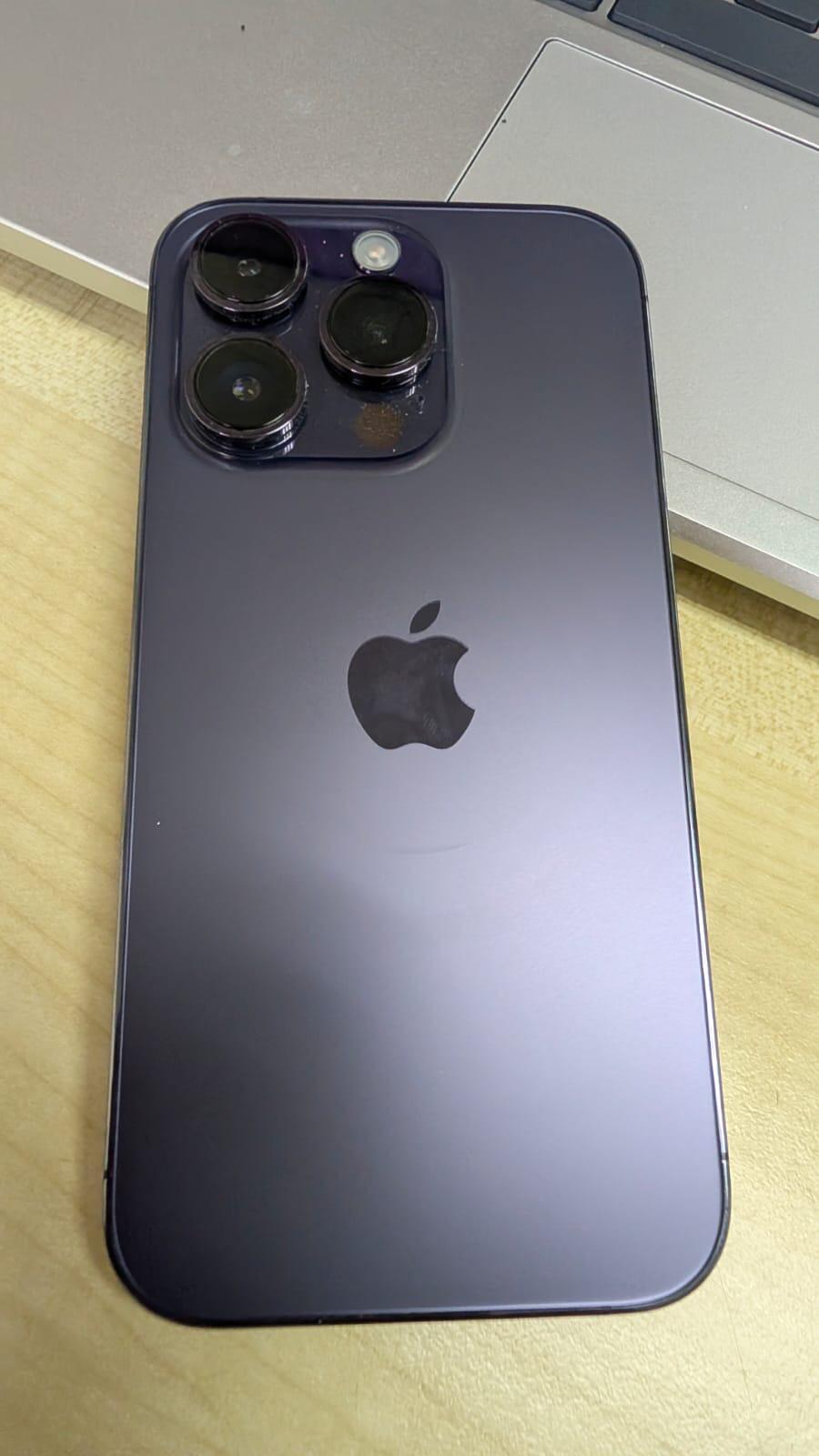


Does Your “Find My iPhone” Setup Correctly?
Many iPhone users think Find My iPhone is already turned on — but in reality, it’s not fully set up.
This small mistake can cause big problems:
- iPhone cannot be located if lost
- Device cannot be erased remotely
- Trade-in or resale may fail
- Repair process may be blocked
Let’s check it properly — step by step.
Watch the video above for a quick guide on checking your Find My iPhone settings.
🔍 Why “Find My iPhone” Matters (Very Important)
Find My iPhone is not just for finding your phone.
It controls:
- 🔒 Activation Lock
- 🧾 Ownership verification
- 🔁 Trade-in eligibility
- 🛠 Repair & reset permission
If this setup is incomplete, your iPhone may be:
- Locked to an Apple ID
- Impossible to reset
- Rejected during trade-in
- Delayed during repair
✅ How to Check If Your “Find My iPhone” Is Set Up Correctly
Follow all 4 checks below — not just one.
1️⃣ Check “Find My iPhone” Status
Go to:
Settings → [Your Name] → Find My → Find My iPhone
Make sure:
- ✅ Find My iPhone = ON
- ✅ Find My network = ON
- ✅ Send Last Location = ON
⚠️ If only one is ON, it’s NOT fully protected.
2️⃣ Check Apple ID Is Logged In Properly
Go to:
Settings → [Your Name]
Confirm:
- Your name & email are shown
- No “Sign in to iPhone” warning
- No verification pending
An unverified Apple ID may cause activation issues later.
3️⃣ Test Location Permission
Go to:
Settings → Privacy & Security → Location Services
Make sure:
- Location Services = ON
- Find My = While Using / Always
If location is OFF, Find My will not work properly, even if enabled.
4️⃣ Turn It OFF (Test Mode – Optional but Recommended)
Before selling, trading-in, or repairing:
Go to:
Settings → [Your Name] → Find My → Find My iPhone → OFF
If the phone asks for:
- Apple ID password → ✅ Normal
- Cannot turn off / stuck → ❌ Problem detected
This is the most important test for trade-in & resale.
🚨 Common Mistakes We See (Very Common)
❌ “I reset already, so it’s fine”
→ Wrong. Activation Lock may still exist.
❌ “I forgot my Apple ID password”
→ Trade-in & resale will be blocked.
❌ “It shows ON, so no problem”
→ Location / network permission may be OFF.
💡 Before Trade-In / Repair / Sell — Do This First
Always confirm:
- Find My iPhone can be turned OFF
- Apple ID password is known
- No Activation Lock remains
This saves:
- Time
- Repair delays
- Rejected trade-in cases
🧠 SCV Learn+ Tip
Many customers only discover Find My issues after they come for trade-in or repair.
Checking it early avoids:
- Rejected valuation
- Repair delays
- Ownership disputes
👉 Need Help Checking?
If you’re unsure whether your iPhone is:
- Ready for trade-in
- Safe to sell
- Clear for repair
You can use:
- SCV AI Assistant
- Warranty / Trade-In Check
- Or visit any SCV Global outlet
🔚 Summary (Quick Check)
✔ Find My iPhone = ON
✔ Location permission = ON
✔ Apple ID verified
✔ Can be turned OFF when needed
If all ✔ — your iPhone is properly set up.