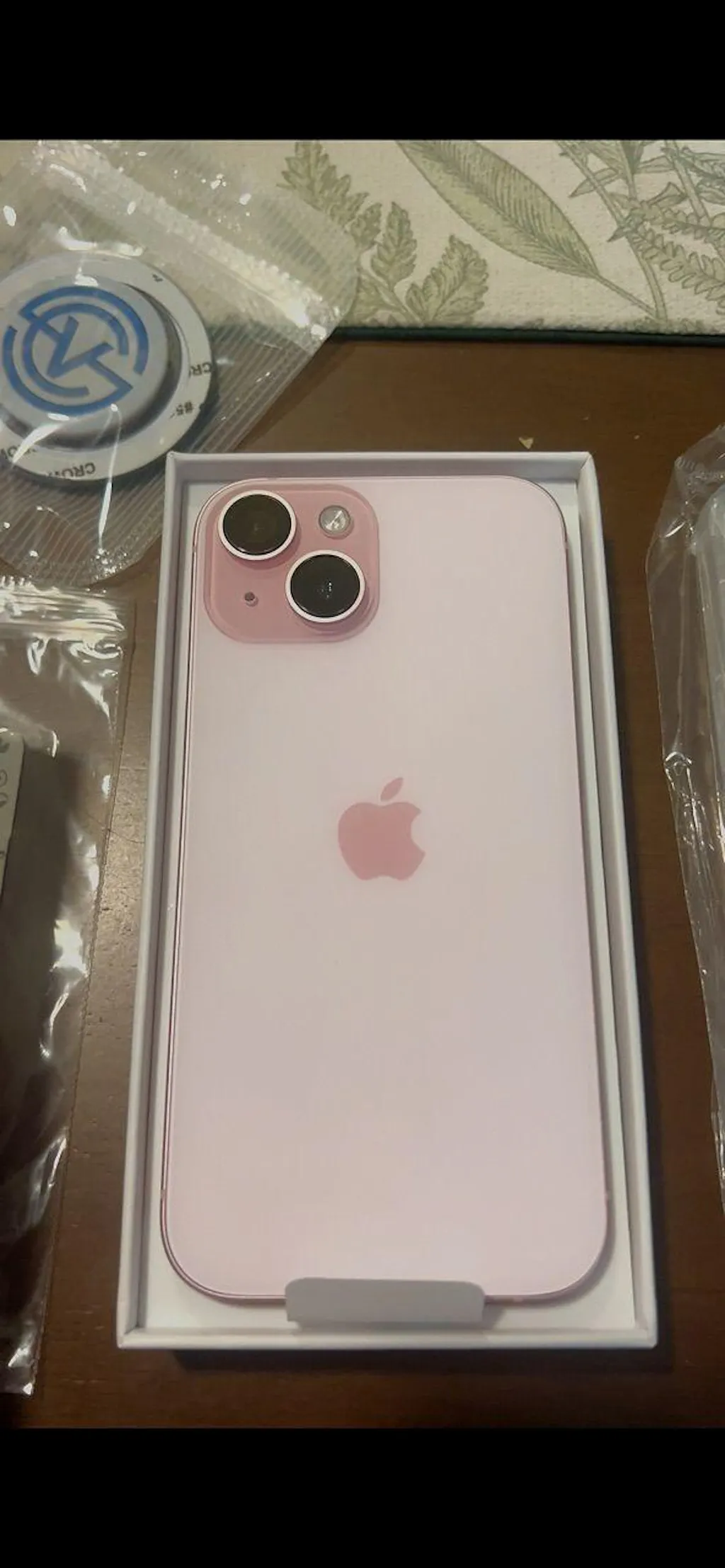


Hot Selling New 2026 Fantastic Save Up RM100
HAPPY NEW YEAR 2026 Extend Up to 12M Warranty
Choosing a right device are most important Pre-owned iPhone Premium Condition With 30+ Function Test & Check
iPhone Repair SCV REPAIR Experience Hassle-Free and Convenient Mobile Repair Solutions You Can Trust
Apply Now with Credit Card Or Ewallet Paylater Installment PayFlex Up to 36 Months Installment or Cashback Up To RM300

Our customers say

Excellent

Rated 4.8 out of 5 based on 113 reviews on

Free Shipping Over RM299
Up To 12 Months Warranty
Premium Quality
Does Your “Find My iPhone” Setup Correctly? Many iPhone users think Find My iPhone is already turned on —but in reality, it’s not fully set up. This small mistake can cause big problems: iPhone cannot be located if lost Device cannot be erased remotely Trade-in or resale may fail Repair process may be blocked Let’s check it properly — step by step. 🔍 Why “Find My iPhone” Matters (Very Important) Find My iPhone is not just for finding your phone. It controls: 🔒 Activation Lock 🧾 Ownership verification 🔁 Trade-in eligibility 🛠 Repair & reset permission If this setup is incomplete, your iPhone may be: Locked to an Apple ID Impossible to reset Rejected during trade-in Delayed during repair ✅ How to Check If Your “Find My iPhone” Is Set Up Correctly Follow all 4 checks below — not just one. 1️⃣ Check “Find My iPhone” Status Go to:Settings → [Your Name] → Find My → Find My iPhone Make sure: ✅ Find My iPhone = ON ✅ Find My network = ON ✅ Send Last Location = ON ⚠️ If only one is ON, it’s NOT fully protected. 2️⃣ Check Apple ID Is Logged In Properly Go to:Settings → [Your Name] Confirm: Your name & email are shown No “Sign in to iPhone” warning No verification pending An unverified Apple ID may cause activation issues later. 3️⃣ Test Location Permission Go to:Settings → Privacy & Security → Location Services Make sure: Location Services = ON Find My = While Using / Always If location is OFF, Find My will not work properly, even if enabled. 4️⃣ Turn It OFF (Test Mode – Optional but Recommended) Before selling, trading-in, or repairing: Go to:Settings → [Your Name] → Find My → Find My iPhone → OFF If the phone asks for: Apple ID password → ✅ Normal Cannot turn off / stuck → ❌ Problem detected This is the most important test for trade-in & resale. 🚨 Common Mistakes We See (Very Common) ❌ “I reset already, so it’s fine”→ Wrong. Activation Lock may still exist. ❌ “I forgot my Apple ID password”→ Trade-in & resale will be blocked. ❌ “It shows ON, so no problem”→ Location / network permission may be OFF. 💡 Before Trade-In / Repair / Sell — Do This First Always confirm: Find My iPhone can be turned OFF Apple ID password is known No Activation Lock remains This saves: Time Repair delays Rejected trade-in cases 🧠 SCV Learn+ Tip Many customers only discover Find My issuesafter they come for trade-in or repair. Checking it early avoids: Rejected valuation Repair delays Ownership disputes 👉 Need Help Checking? If you’re unsure whether your iPhone is: Ready for trade-in Safe to sell Clear for repair You can use: SCV AI Assistant Warranty / Trade-In Check Or visit any SCV Global outlet 🔚 Summary (Quick Check) ✔ Find My iPhone = ON✔ Location permission = ON✔ Apple ID verified✔ Can be turned OFF when needed If all ✔ — your iPhone is properly set up.
How to Check a Pre-Owned iPhone Simple & Advanced Steps to Ensure Your iPhone Is Fully Functional Buying a pre-owned iPhone can be a smart choice — but only if you know how to check whether the device is truly problem-free. This guide will walk you through simple and advanced steps to inspect a second-hand iPhone, helping you avoid hidden issues such as hardware damage, main-board failure, or iCloud lock problems. ✅ Simple Check – 11 Key Functions (Recommended for All Users) These basic checks are suitable for everyday users and can be completed in just a few minutes. 1. Condition & Button Check     Inspect the physical condition of the phone.Make sure Power, Volume, and Silent buttons respond properly. 2. Battery Health Check Go to Settings > Battery > Battery Health & ChargingA healthy battery should generally be above 80%. 3. Touch Screen Test Test By Note App / Assistive Touch  Swipe across the entire screen and make sure every area responds accurately. 4. Camera / Video / Microphone Test Test By Camera App Take photos (front & rear) Record a video Record a voice memo to ensure the microphone works clearly 5. Speaker / Sound Test Test By Voice Memos App Play music or a video to confirm both speakers are loud and clear. 6. Flashlight Test Test On Control Centre  Turn on the flashlight and check brightness consistency. 7. SIM Service Test Insert a SIM card and confirm signal, calls, and mobile data work. 8. Charging Port Test Plug in a cable to ensure stable charging with no loose connection. 9. iCloud / Apple ID Check Go to SettingsMake sure the phone is signed out of iCloud and not locked to a previous owner. 10. Parts & Service History Go to Settings > General > About > Parts & Service HistoryCheck whether any parts are listed as Unknown. Note : If didn't show anything here that's mean maybe will not replace anything before 11. Main-Board Check (Panic Full) Go to:Settings > Privacy & Security > Analytics & Improvements > Analytics Data Search for “Panic Full” ⚠️ What Is “Panic Full”? If you find Panic Full logs in the Analytics Data, it usually means: Main-board issue Water damage Critical internal hardware failure These problems may cause the iPhone to: Restart automatically Shut down unexpectedly Become unstable over time ⚠️ Devices with Panic Full records are NOT recommended for long-term use. 🔍 Advanced Check – 31 Detailed Tests (For Professional or Serious Buyers) For users who want a full diagnostic, these advanced checks provide deeper assurance. Display & Sensor Tests Brightness Test Color Test Touch Screen Test Multi-Touch / Pinch Test Proximity Sensor Test Motion & Hardware Sensors Accelerometer Test Shake Test Compass Test Vibrate Test Biometric & Camera Face ID Test Camera Test (Front & Rear) Video Recording Test Portrait Mode Test Connectivity Wi-Fi Test Bluetooth Test Hotspot Test GPS Test Audio & Communication Speaker Test Microphone Test Phone Call Test (5G / 4G / LTE) Buttons & Ports Power / Volume / Silent Button Test Charging Port Test System & Account App Store Login Test (via App Store) Reset Test iCloud / Apple ID Check Parts & Service History Review SIM Configuration Single SIM Dual SIM eSIM / Dual eSIM Main-Board Check (Again) Repeat the Panic Full inspection to ensure system stability. 📲 Recommended Tool for Advanced Checking For a more convenient and guided process, you may download “Test & Check for iPhone” from the App Store.This app helps automate many of the advanced hardware and sensor tests listed above. ✅ Final Tip A properly checked pre-owned iPhone should: Have no Panic Full records Be free from iCloud lock Show no Unknown parts (or clearly disclosed replacements) Pass both basic and advanced functional tests Taking the time to check these details can save you from costly repairs and long-term frustration.
When it comes to troubleshooting your iPhone, resetting settings can help resolve a variety of software issues without the need for drastic measures like a factory reset. "Reset All Settings" is a valuable tool that addresses many software-related problems while preserving your personal data. In this guide, we'll explore how resetting your iPhone’s settings can help resolve common issues, and we'll walk you through the steps to do it yourself. Common iPhone Issues That “Reset All Settings” Can Fix If your iPhone is facing any of the following issues, resetting all settings may help resolve them: Camera Issues: Blank Screen: The camera app opens, but the screen remains black. Unable to Open the Camera App: The camera app refuses to open or crashes instantly. Setup Issues: Wi-Fi Problems: Unable to connect to Wi-Fi networks, or connections drop frequently. Bluetooth Issues: Bluetooth devices fail to connect or keep disconnecting. Personal Hotspot Issues: Your hotspot isn’t working or isn’t visible to other devices. Mobile Service Issues: Difficulty connecting to your mobile network or frequent dropped calls. GPS Problems: Location services are inaccurate or fail to function. Other Software Issues: Ghost Touch: Your screen reacts as if it’s being touched, even when it isn’t. Battery Draining Quickly: Your iPhone’s battery drains faster than usual. App Store Not Opening: The App Store doesn’t respond or fails to load. No Sound During Calls: You can’t hear the other person during a call, or they can’t hear you. Important Note: While resetting all settings can often resolve these issues, it doesn’t always fix more complex problems. If your iPhone continues to experience the same problems after attempting to reset all settings, it’s recommended to consult with a technician for further diagnosis. How to Fix Software Issues by Resetting All Settings (5 Easy Steps) Follow these simple steps to reset all settings on your iPhone: Step 1 : Open the “Settings” app on your iPhone. Step 2 : Scroll down and tap on “General.” Step 3 : Scroll to the bottom and select “Transfer or Reset iPhone.” Step 4 : Tap “Reset.” Step 5 : Choose “Reset All Settings.” Once you confirm, your iPhone will reset all system settings to their defaults.   Watch the Video Tutorial   Q&A: Does Reset All Settings Erase Personal Data? Q: Will resetting all settings erase my personal data? A: No, "Reset All Settings" will not erase any of your personal data, including photos, messages, or apps. However, settings like Wi-Fi networks, Bluetooth pairings, and Face ID/Touch ID will need to be set up again after the reset. By following these steps, you can potentially solve a variety of software issues on your iPhone. If the problem persists, don’t hesitate to seek professional help to ensure your device gets the proper care it needs.   Explore More iPhone Functions Want to learn more about your new iPhone? Click here for tips and tricks. If you have any questions, leave us a comment below!

Featured Videos

Tiktok Creator


More Feedbacks

We always care about your purchase experience

Premium Quality Device

We ensure that the product quality meets our basic standard before selling.

Professional Technician

Our iPhone repair technician team provide the most efficient repair experience.

10+ Years Experience

Our team highly skilled in repairing and communicating about iOS devices.

Reasonable Price

Even though our price not the lowest but we guarantee for the premium quality.

Best After-Sales

We are here to help with any question you have about using iPhone.

Walk-In Service

A1-18, SHOP LOT PUNCAK, SENTUL POINT, JALAN SENTUL PASAR, SENTUL, 51000, KUALA LUMPUR

iPhone Repair Service

Is Your Old iPhone Experiencing An Issue? We have Specialist Technician Team Help You To Resolve It.

Trade-In Service

"Out With The Old, In With The New."
We Accept Trade-In For Model iPhone XS & Above.
No More Saving Orders. No More Guessing. Check Your SCV Device Warranty Status Instantly Have you ever forgotten when your phone warranty started or when it ends? If you’re using an SCV Device, you can now check your warranty activation status easily — without saving orders or searching for receipts. What SCV Warranty Check Can Do The SCV Warranty Check system is designed to help SCV customers quickly verify warranty validity. With just: Your SCV Device IMEI One click You can instantly view: ✅ Warranty activation date ✅ Warranty expiry date ✅ Warranty validity status This service is available for SCV Devices only. What This Warranty Check Does NOT Include To avoid any misunderstanding, please note that this system does not provide device condition or history checks. It does NOT show: Previous drops or physical damage Screen cracks (front or back) Water or liquid exposure Repair or usage history This page is strictly for warranty activation and validity verification. Why We Keep It This Way Every SCV device undergoes inspection at the time of sale and is covered according to SCV’s warranty terms. The Warranty Check system focuses on: Clear warranty timelines Fast verification using IMEI Easy access without extra records Physical condition checks and damage assessments are handled during inspection, service, or in-store diagnosis, not through an online lookup. A Clear, Honest After-Sales Experience At SCV, we believe trust comes from clarity. By clearly defining what our Warranty Check does — and does not do — we ensure: No false expectations Transparent support A smoother after-sales journey Check Your Warranty Now (SCV Devices Only) If you own an SCV Device, you can verify your warranty status here: 👉 https://scvglobal.com.my/pages/warranty-check-page No need to store documents.No need to remember dates.Just clear warranty information — the SCV way.
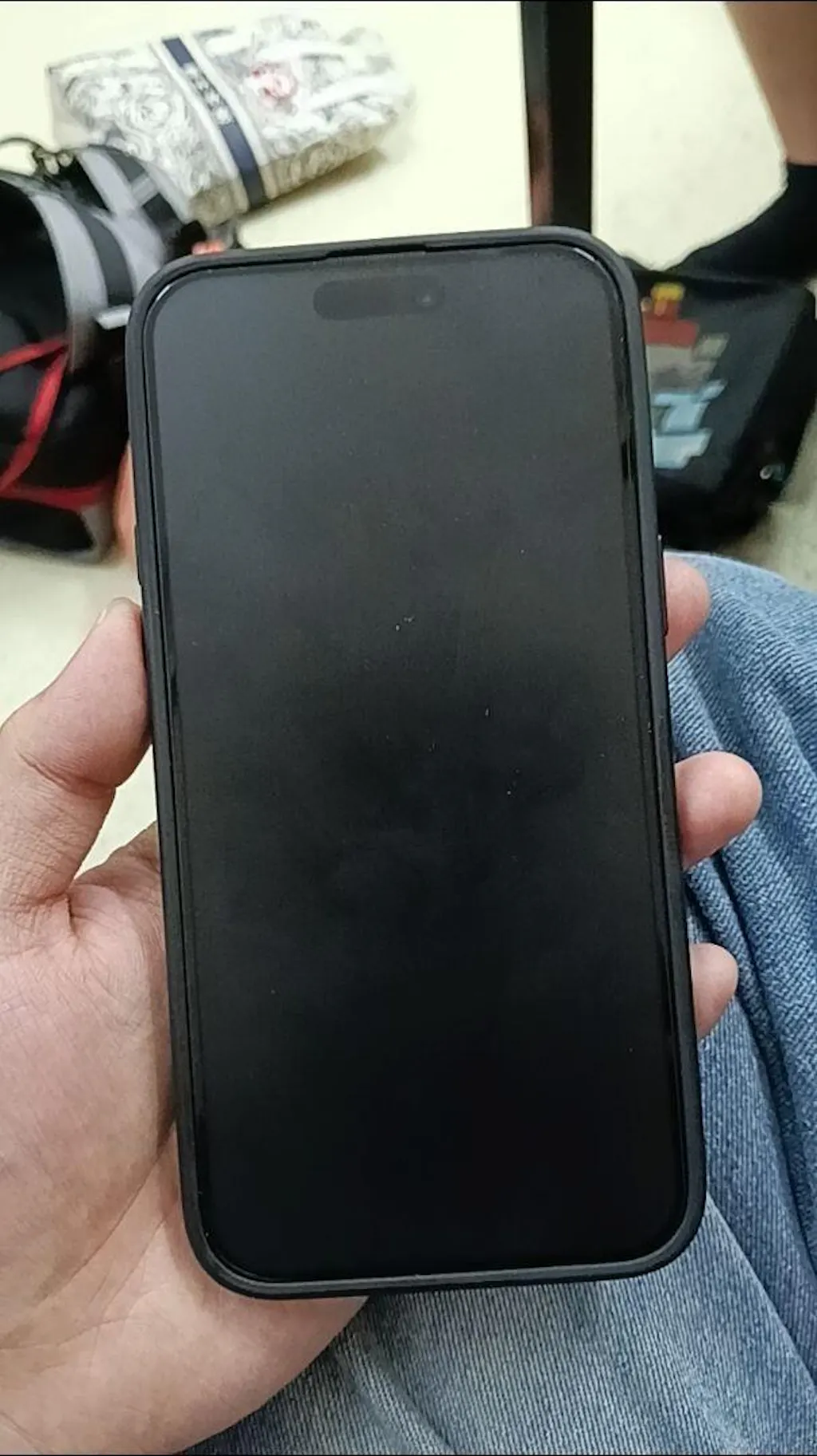
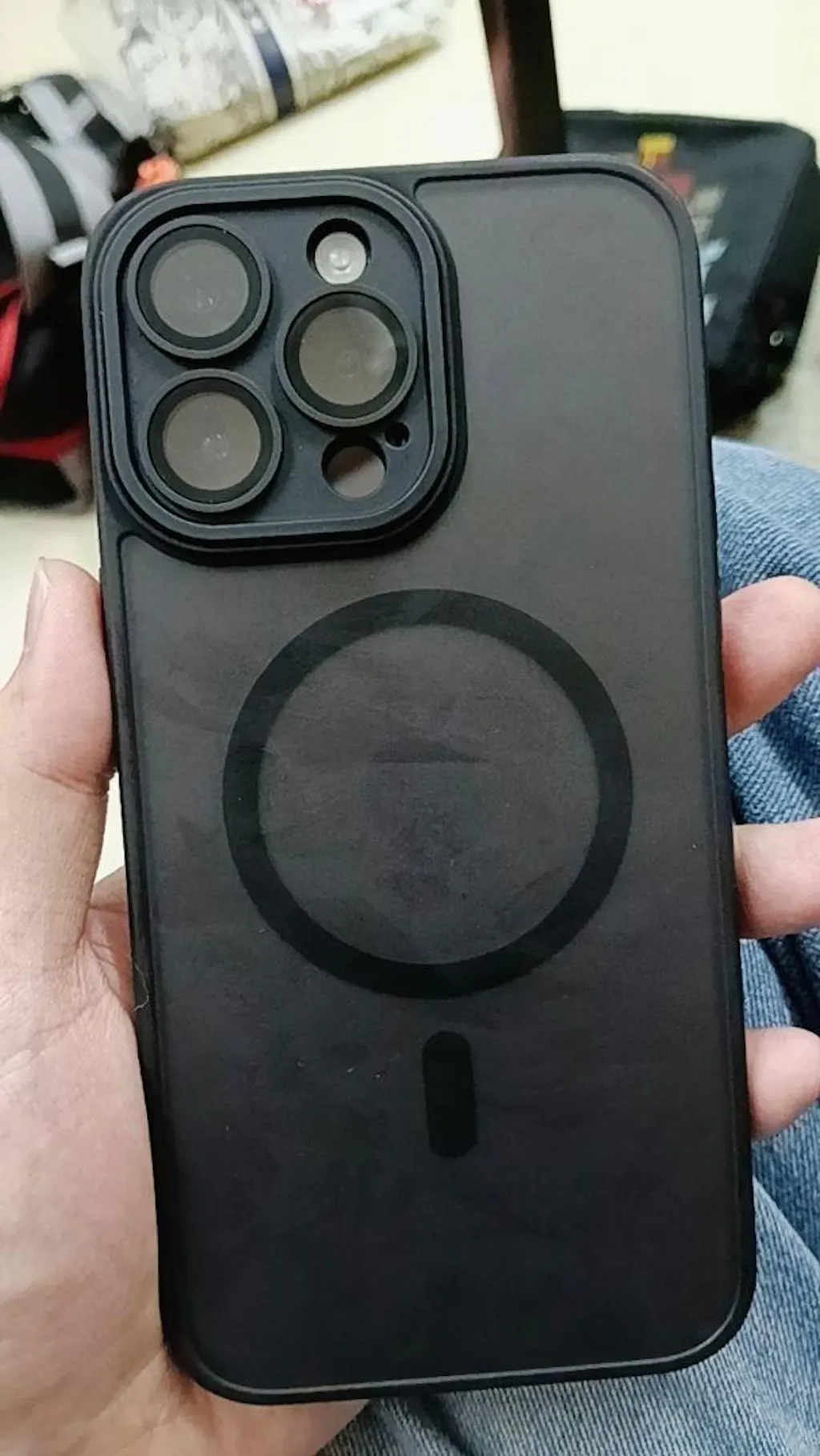
🎉 11.11 Double Safe, Double Save — Extended Warranty + FREE MagSafe Case! It’s that time of the year again — 11.11 Mega Deals are back!This November, we’re giving your favorite pre-owned iPhones double protection and double savings with our Double Safe, Double Save promotion. Whether you’re upgrading or securing your current device, this deal ensures your phone stays protected inside and out. 🔒 Double Safe: Warranty Extended for Pre-Owned iPhones Get peace of mind with our Warranty Extension Packages — exclusive for all pre-owned iPhones purchased from 11/11/2025 to 30/11/2025. 📱 For iPhone 11 – 13 Series Motherboard Warranty (12 Months) – RM88 ➜ FREE Care Max (12 Months) – RM138 ➜ RM69 (Save 50%) 🚀 For iPhone 14 – 16 Series Motherboard Warranty (12 Months) – RM148 ➜ FREE Care Max (12 Months) – RM198 ➜ RM99 (Save 50%) ✅ Available only on our Official Website and Retail Stores 🎁 Double Save: FREE MagSafe Case (Limited Offer) Your phone deserves protection that looks as good as it feels.Get a FREE MagSafe Case when you purchase any Pre-Owned iPhone (13 Series – 16 Series) during the promo period. 🕒 Promotion Period: 11/11/2025 – 30/11/2025📍 Available on Official Website & Retail Stores Only⚠️ Limited stock — while supplies last! Why Wait? Secure Yours Now! Enjoy unbeatable protection and style this 11.11.Whether online or in-store, our Double Safe, Double Save campaign gives you more value for your purchase — because your device deserves care that lasts. 👉 Shop Now & Save More
🎉 SCV GLOBAL X Restaurant AL-BIDAYAH Sentul Point Free Gift & Lucky Draw Campaign 13 October – 25 November 2025 Get ready for an amazing collaboration between SCV GLOBAL and Al-Bidayah Restaurant!We’re bringing you an exclusive “Dine & Win” campaign packed with free gifts, vouchers, and an exciting grand prize giveaway. 🍽️ How It Works Enjoy your favorite meal at Al-Bidayah Restaurant, then head over to SCV GLOBAL (1st Floor – A1-18) to claim your reward!It’s that easy — eat, redeem, and win! 🪄 Step-by-Step: Dine in at Al-Bidayah and spend a minimum of RM10 Bring your receipt to SCV GLOBAL (1st Floor – A1-18) Redeem your free gift instantly Share your visit on your Instagram or Facebook Story 👉 Tag location: SCV GLOBAL👉 Use hashtag: #SCVDineWithRestaurantAlBidayah Join our lucky draw for a chance to win amazing prizes! 🎁 Rewards & Prizes Spend RM10+✅ Free Screen Protector✅ 1 Lucky Draw Entry Spend RM30+✅ RM50 Voucher / Repair Discount Up to 50%✅ Free Screen Protector✅ 1 Lucky Draw Entry 🏆 Grand Prize 🎧 UGREEN HiTune MAX3 Headset (Worth RM399) 📱 Stay Updated Join our SCV Global Community WhatsApp Group to check out the lucky draw winners by the end of November 2025!Don’t miss your chance to be one of them — dine, redeem, and win big with SCV Global & Al-Bidayah! 🌟 Why You’ll Love This Campaign This collaboration isn’t just about rewards — it’s about connecting two local favorites.Al-Bidayah’s delicious menu meets SCV Global’s tech vibes, creating a fun way for customers to enjoy great food and exclusive tech perks. So what are you waiting for?📍 Visit Now - Restaurant Al-Bidayah Sentul Point today, keep your receipt, and head over to SCV GLOBAL to start winning! Google Map : Visit Now Waze : Visit Now   Announcing The Winner on 28 Nov 2025 Congratulations! 🎉We are excited to announce the winner of our giveaway: 🏆 Winner: M.AWAIS xxx-xxxx 1409 🎁 Prize: UGREEN HiTune MAX3 Headset – Worth RM399 To the winner, please whatsapp us 011-6186 6070 to claim your prize. For everyone who didn’t win this time — don’t be discouraged!We will have more activities and giveaways in the future, so stay with us and don’t miss out. Stay tuned in our WhatsApp Community for more exciting updates and events!
divider

Phone : (+60) 12-798 0605

Address : A1-18, Shop Lot Puncak, Sentul Point, Jln Sentul Pasar, Sentul, 51000 Kuala Lumpur, Wilayah Persekutuan Kuala Lumpur

E-mail : support@scvglobal.com.my