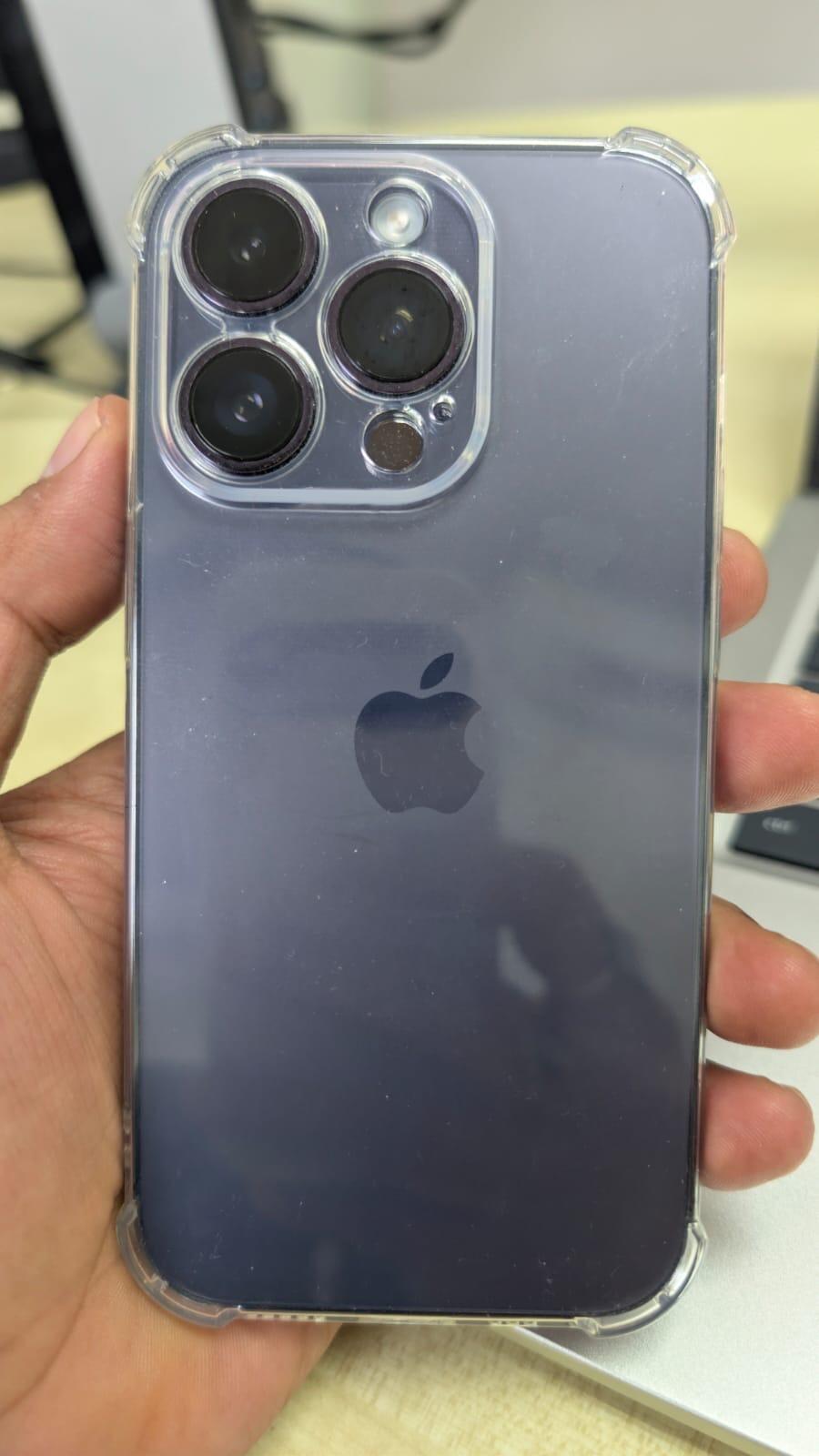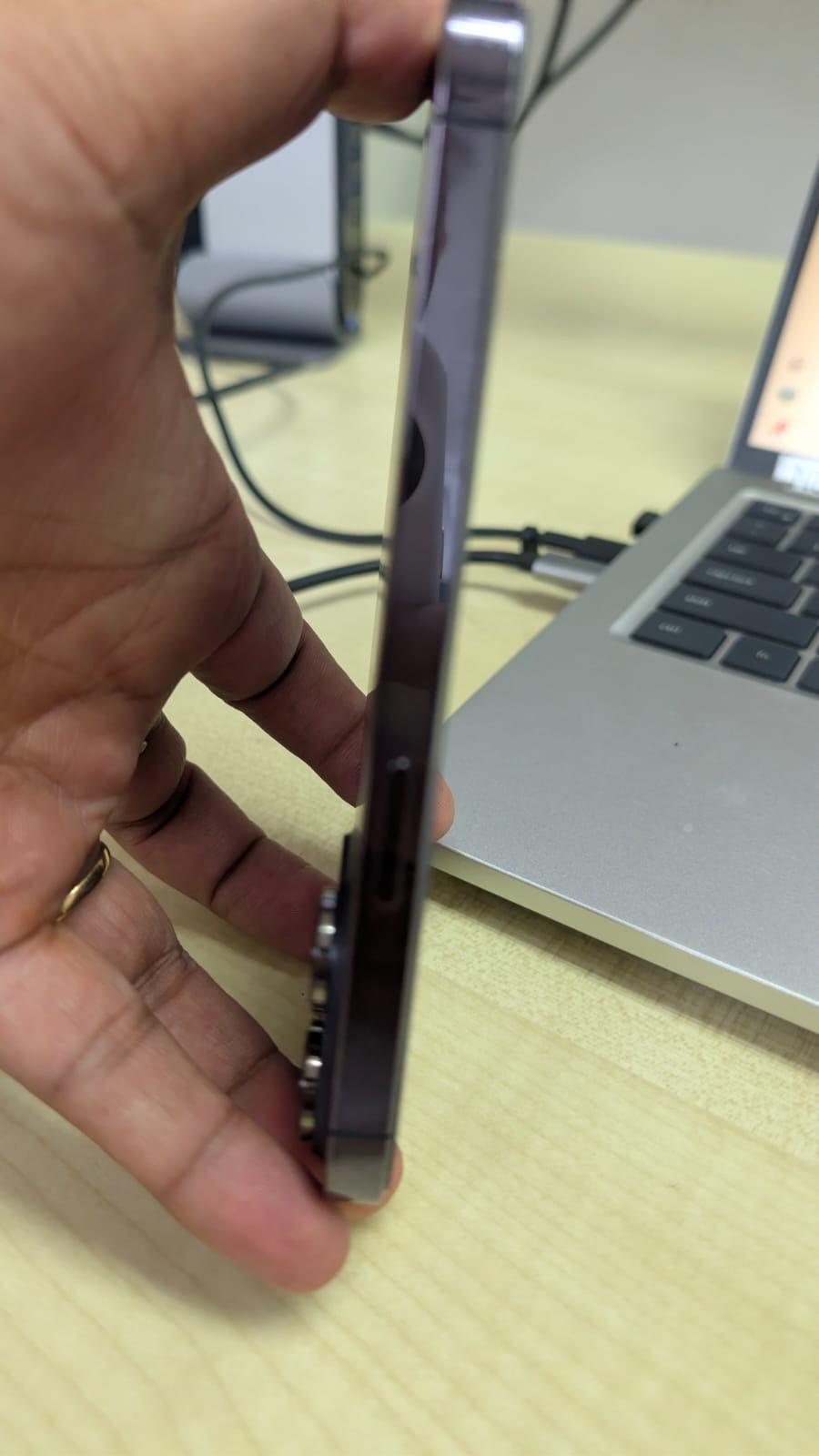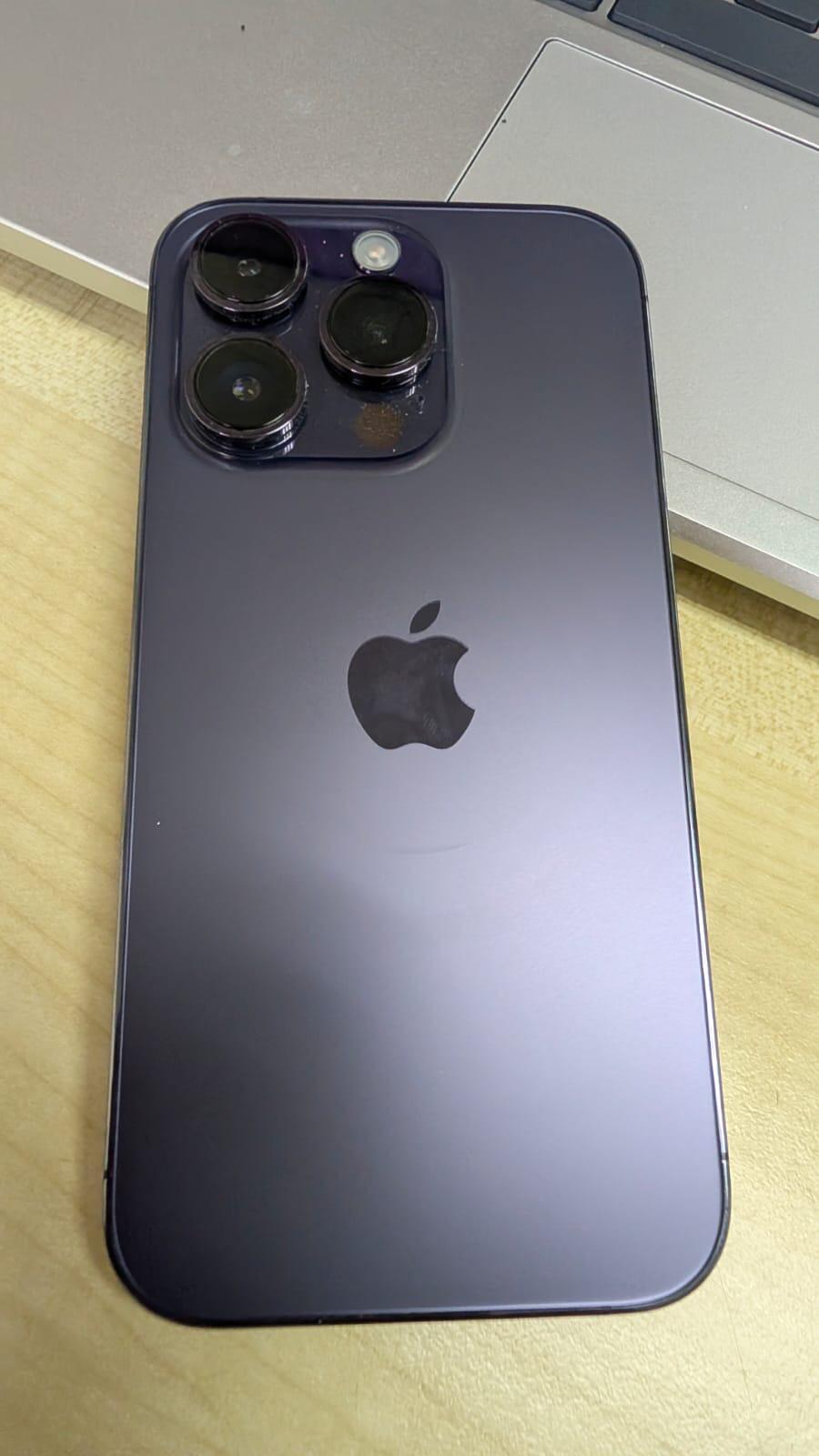




Congrats to SCV team I got my phone after 1 week bcuz im from Borneo. All in good condition and function very well. I order yellow but they informed me through whatsapp no stock for yellow but Im still ok and overall very satisfied with their service and product. Probably gonna repeat and suggest to buy Iphone from SCV. I bought second hand but surprisingly looks new. I did a few surveys and im gonna say SCV give the best price and quality with 12 month warranty. Hope SCV can keep they good quality and service. Thank you so much ❤️
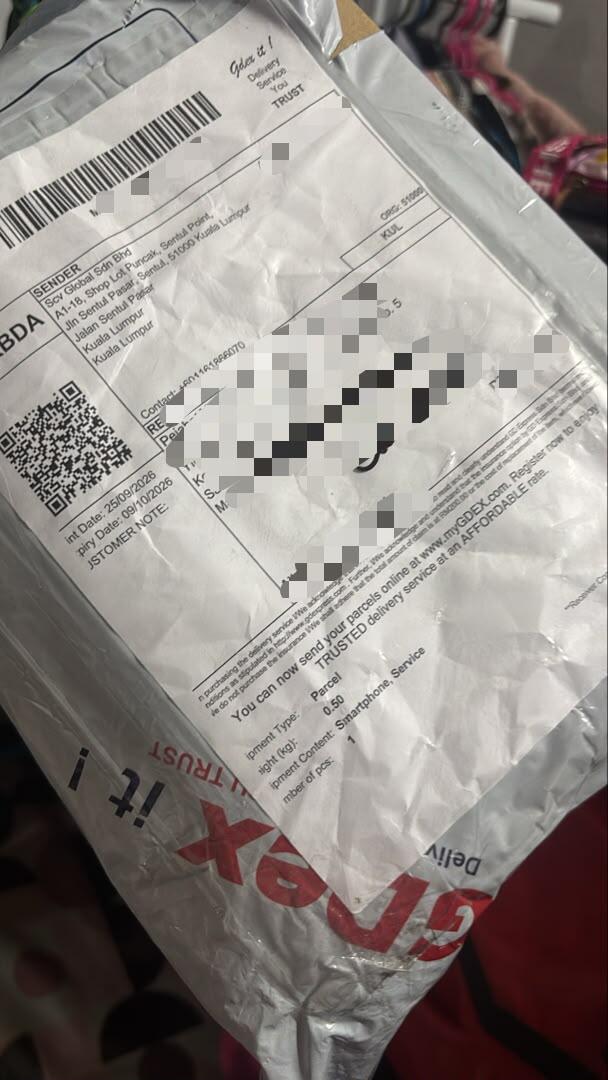
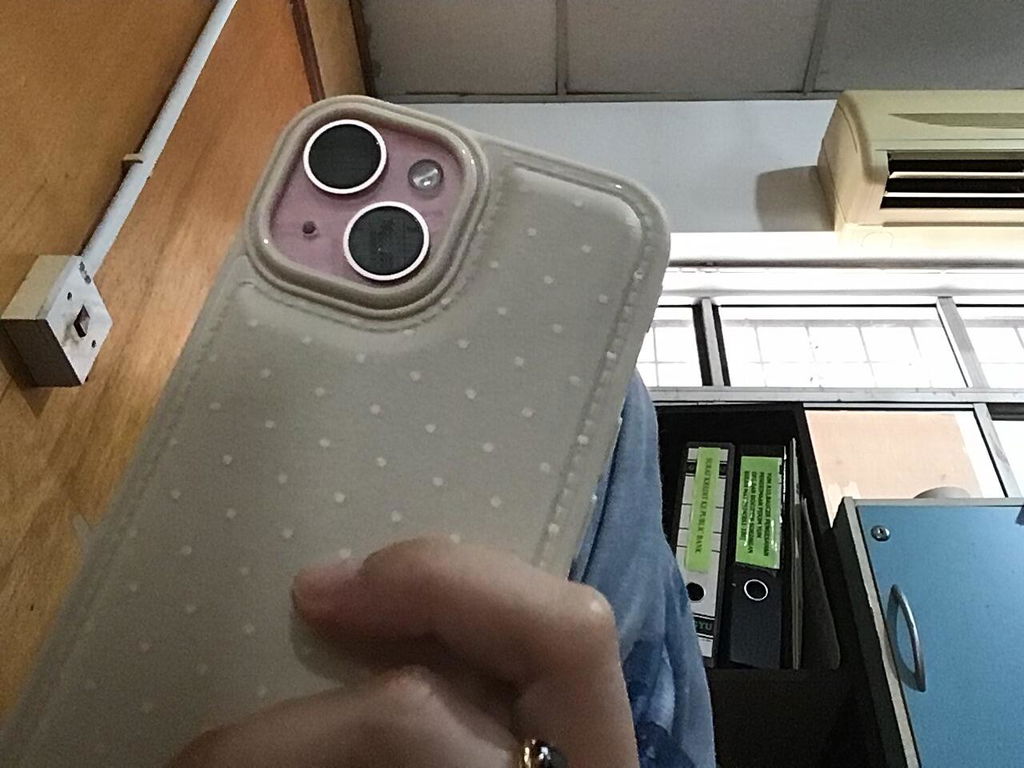
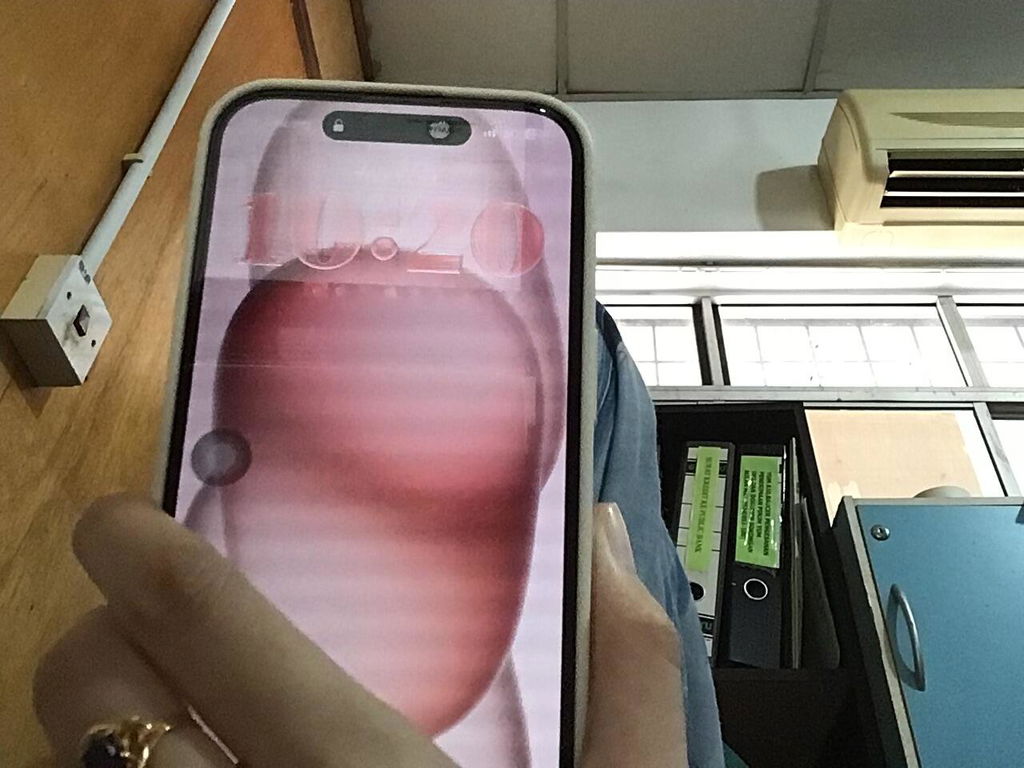
Alhamdulillah barang dah sampai dengan selamat,Packaging memang terbaikkk
Good product, recommended to buy this one! Affordable price yet good quality... niceeee! #product #quality #price
Quality:Feels like a new set, clean and stable
Performance:Battery health is good and 100%
Really happy with the product and definitely recommend this shop if you're looking for any Apple devices
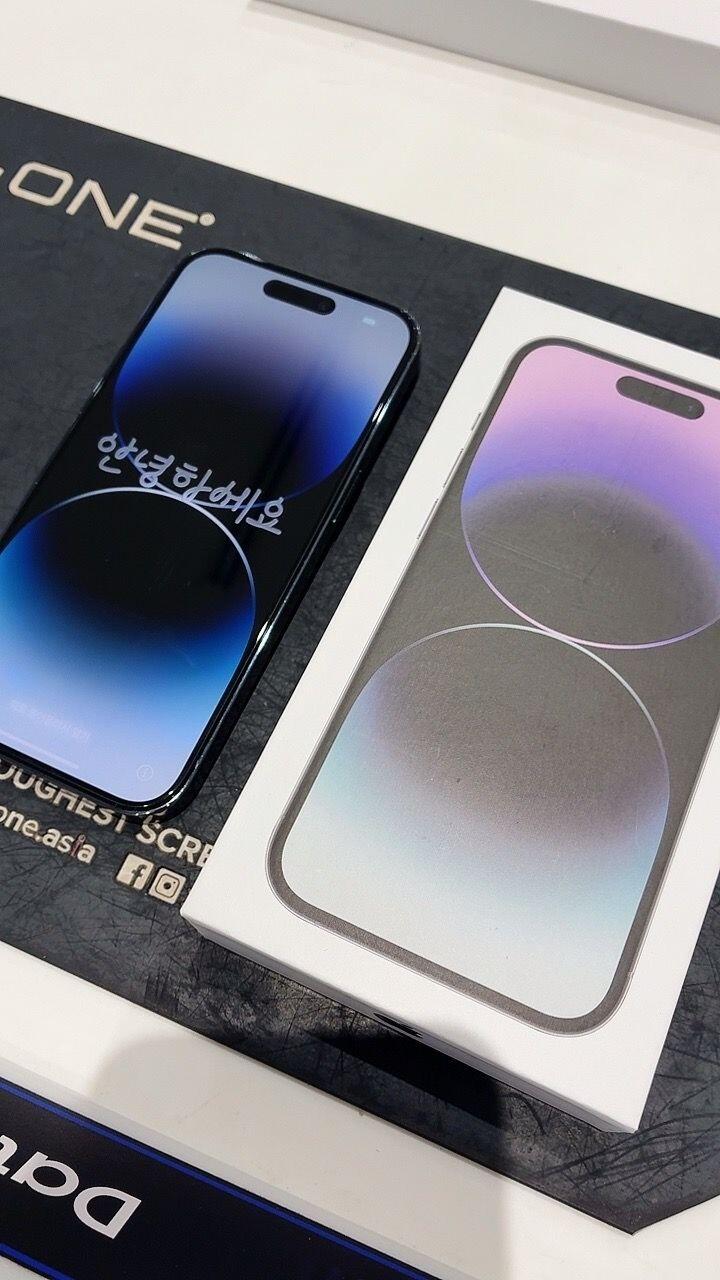
I AM using my phone from last 1 week. The product is ossom Like new with 100% baterry. The Customer Care team also veryresponsive.
Kudos to scv team For good job